Remove Image Backgrounds Online
Upload a photo, remove its background in your browser, and download a transparent PNG.
Background removal workspace
PNG, JPEG, or WebP up to 25 MB
Preparing background remover
0%Downloading and initializing the AI model. You can choose an image now; processing unlocks when the model is ready.
Background Removal Instructions
- 1
Upload an image from your device.
- 2
Click Remove Background to process the image.
- 3
Preview the result and download a transparent PNG.
See it in action

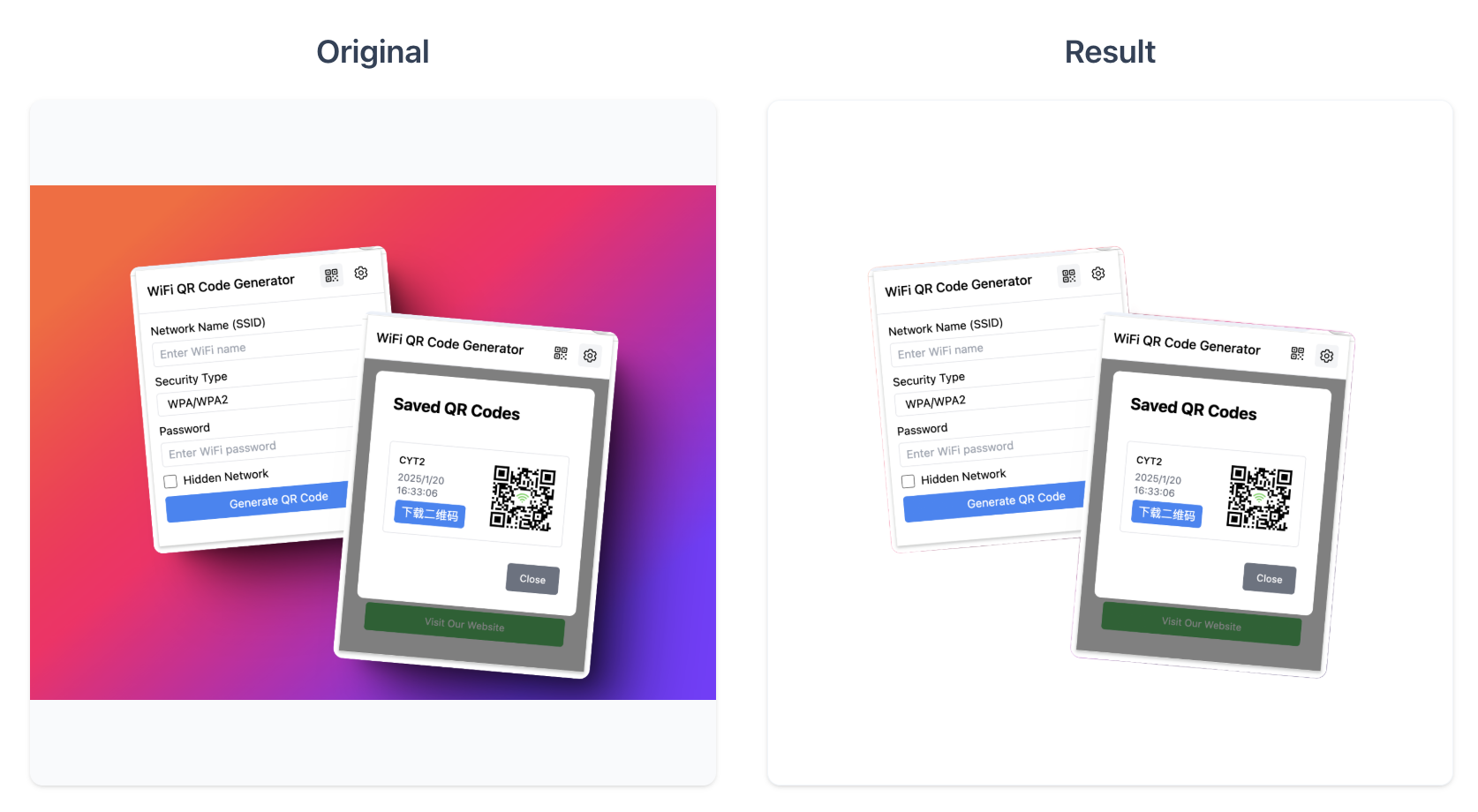
Remove Background from Image Online Free
Use SnipMagic to remove backgrounds from images online. Upload a photo, create a clean cutout, preview the result, and download an image with a transparent background.
How to Remove Background from an Image
Upload your image, click Remove Background, wait for the preview, and download the finished result. The workflow is built for quick background cleanup without opening heavy design software.
Download a Transparent PNG
A transparent PNG is useful when you need a product photo, portrait, logo, or profile image that can sit on any background. After processing, check the preview and download the background-free result.
Best Uses for Background Removal
This tool works well for product photos, portraits, profile pictures, social posts, marketplace images, and quick design assets. Clear foreground subjects usually produce the best results.
What Makes SnipMagic Different?
SnipMagic keeps the background removal workflow focused: upload, process, preview, and download. It is designed for everyday image cleanup where speed and a clean export matter.
FAQ
Is this background remover free?
Yes. You can remove image backgrounds online with SnipMagic for free.
Can I download a transparent PNG?
Yes. After the background is removed, you can download the result as an image with a transparent background.
Do I need to sign up?
No signup is required for the basic background removal workflow.
What images work best?
Clear product photos, portraits, profile pictures, and images with visible foreground subjects usually work best.
Can I use it for product photos?
Yes. SnipMagic is useful for cleaning product photos, marketplace listings, social posts, and profile images.