SnipMagic tools
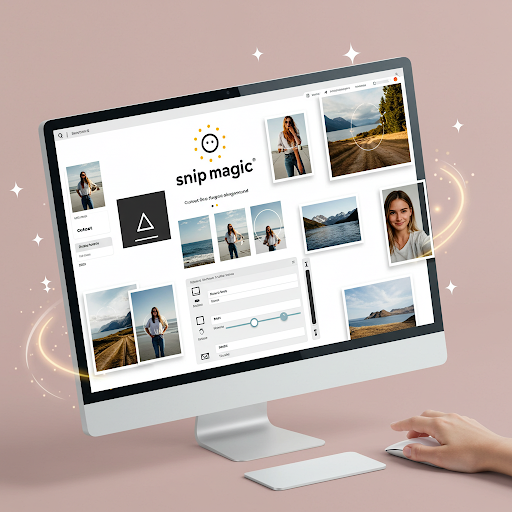
Practical image tools for fast browser-based edits
Crop, resize, convert, merge, remove backgrounds, and prepare avatars from one lightweight workspace.
 BeforeTransparent
Cut out image backgrounds with AI and download a transparent PNG.
Open tool Crop area
Select an exact crop area, preview the result, and export the final image.
Open tool 1200 x 900
Resize images for websites, documents, avatars, and social media posts.
Open tool
Convert images between browser-safe formats such as PNG and JPEG.
Open tool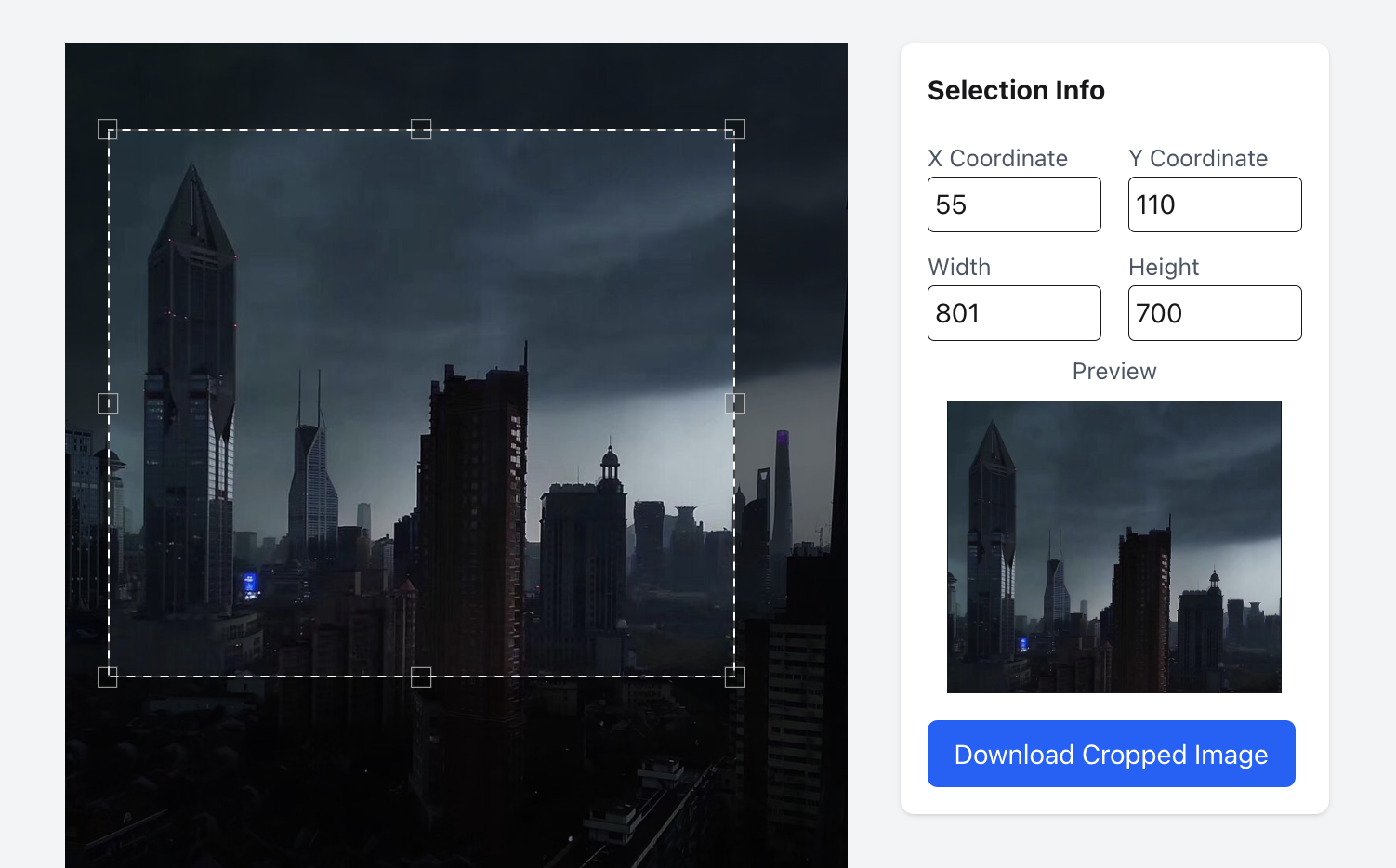 Image A
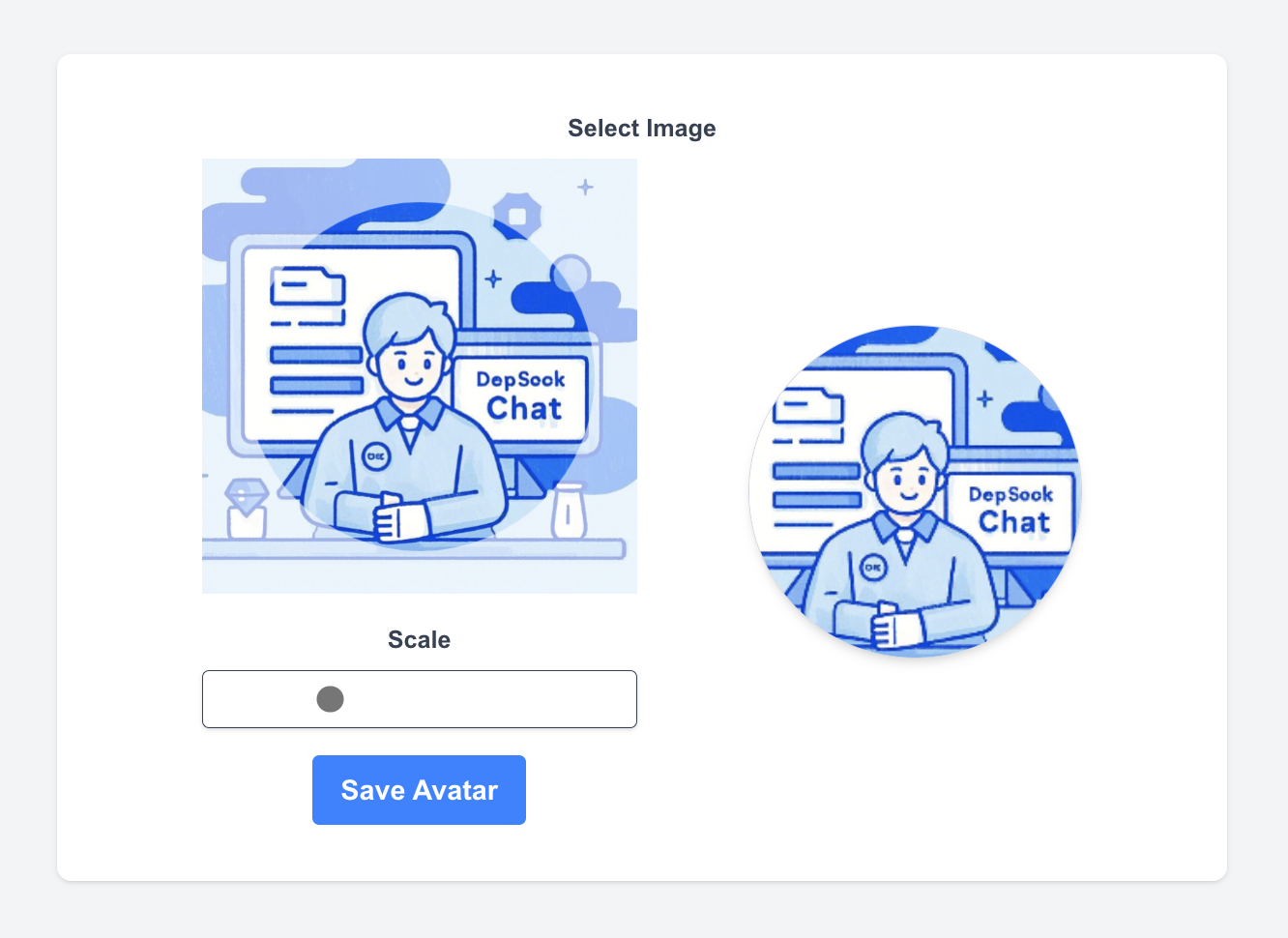 Image B
Place two images side by side or vertically in one clean export.
Open toolCrop area
Create circle or square profile pictures in preset PNG sizes.
Open toolCrop areaFrame your PFP in chat and member-list previews before downloading a PNG.
Open toolBrowser-first processing
Most edits happen locally in the browser, so common workflows stay fast and private.
Focused single-purpose tools
Each page is built around one task, with upload, preview, and download kept close together.
No design software required
Use SnipMagic for everyday image cleanup without opening a heavy editor.