Browser-based image editing
Fast image tools for everyday edits
Remove backgrounds, crop, resize, convert, merge, and prepare avatars without opening heavy design software.
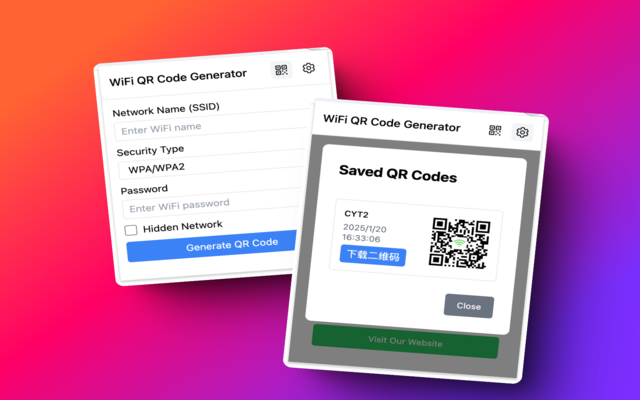 Before
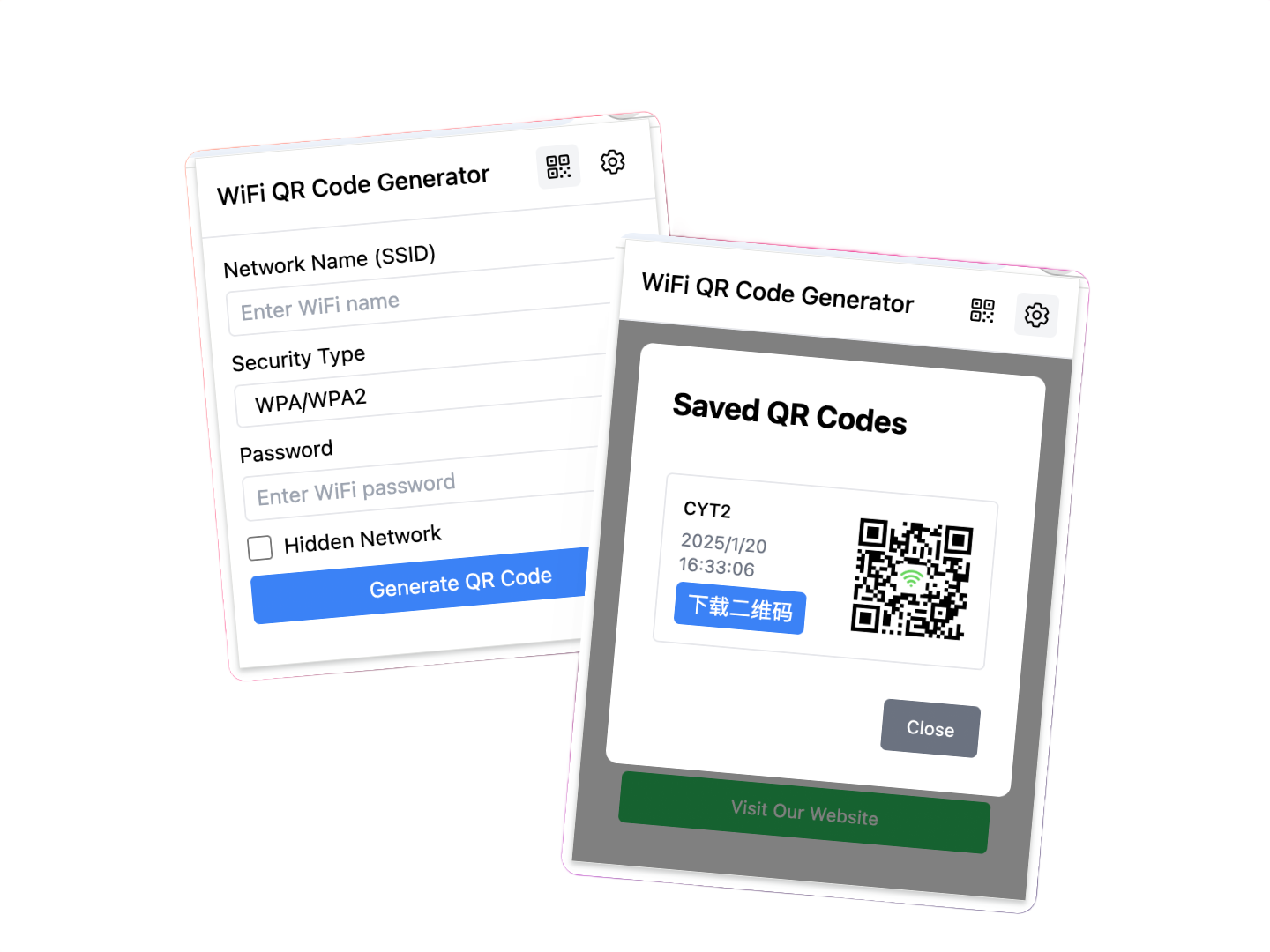 After
After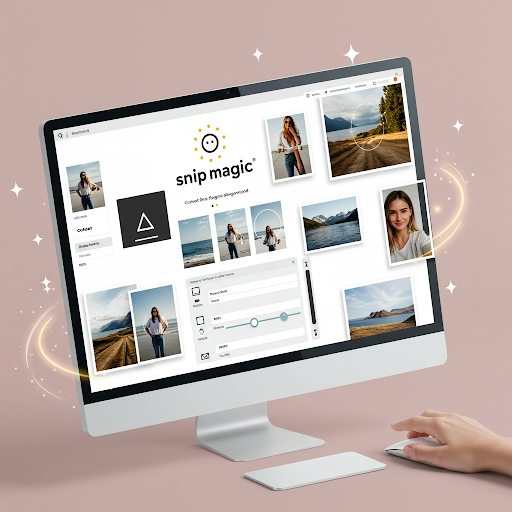
Choose the job, open the tool
Each tool keeps upload, preview, controls, and download close together so small edits stay quick.
Create a transparent PNG from product shots, portraits, and social images.
Open tool
Frame the exact area you need and export a clean final image.
Open tool
Prepare images for websites, documents, profiles, and posts.
Open tool
Switch between common browser-friendly formats like PNG and JPEG.
Open tool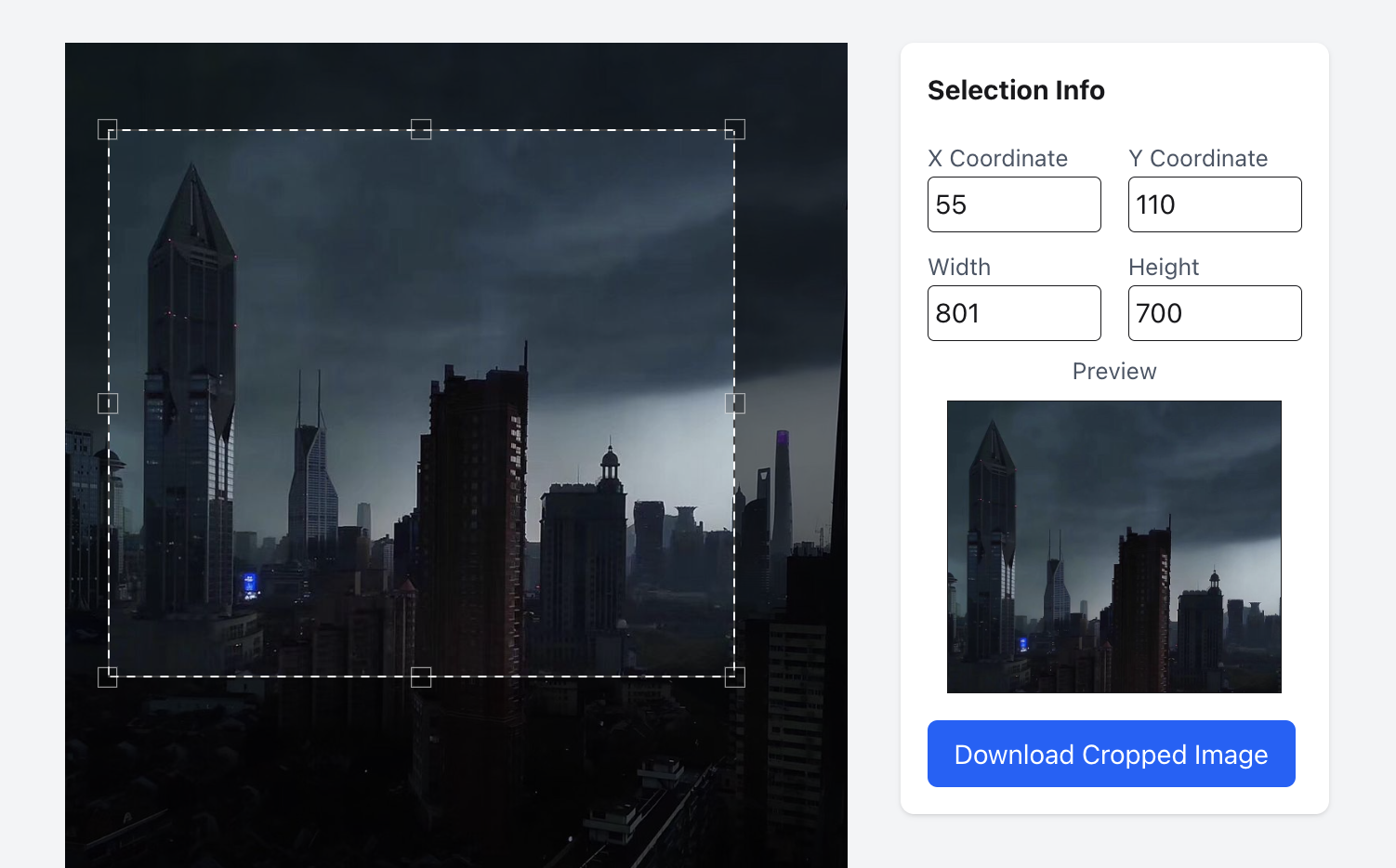 Image A
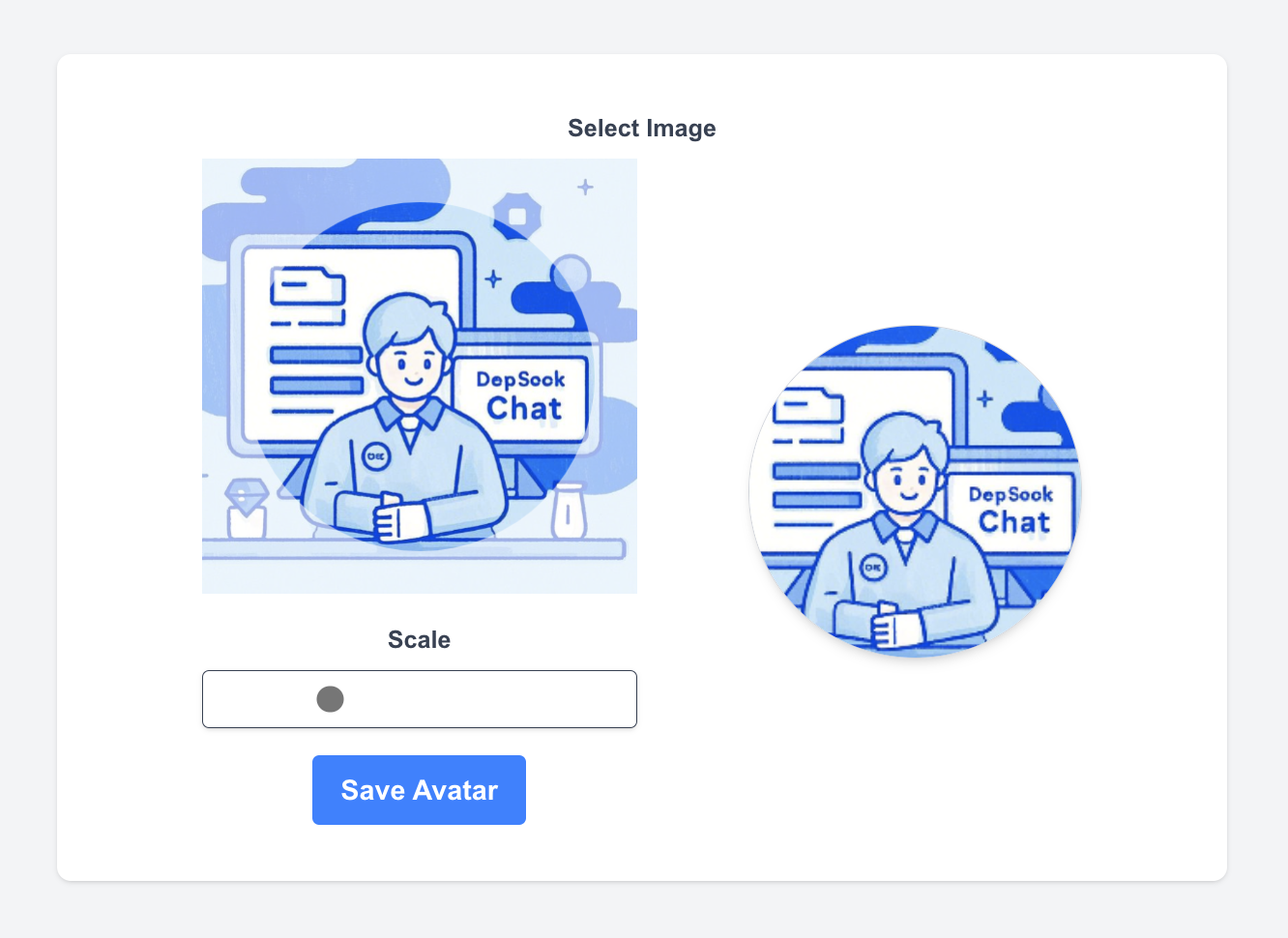 Image B
Combine two images vertically or side by side in one export.
Open tool Crop area
Create circle or square profile pictures in preset PNG sizes.
Open toolSimple workflow, clear result
Every SnipMagic tool follows the same path: bring in an image, make the focused edit, then export the result when the preview looks right.
Upload
Choose an image from your device.
Edit
Use a focused tool with live preview.
Download
Export the final image when it looks right.
Real previews
See the edit before you download
SnipMagic is built for quick inspection. Make the change, compare the result, then export only when the image is ready.
Background cleanup
Precise cropping

Quick resizing
FAQ
Frequently Asked Questions
Quick answers about formats, privacy, and choosing the right image tool.
Is SnipMagic free to use?+
Yes. The current tools can be opened and used directly without creating an account.
Which image formats are supported?+
SnipMagic focuses on common browser-friendly formats such as PNG and JPEG. Output options vary by tool.
Do edits happen in the browser?+
Common crop, resize, conversion, and merge workflows run locally in the browser. AI background removal loads browser-side model assets for processing.
Which tool should I start with?+
Use Remove Background for cutouts, Crop Image for framing, Resize Image for dimensions, and Convert Image for format changes.